100+ AI Image Prompt Commands for ChatGPT, Gemini, Grok & MAI
Slash tokens like /xray and /blueprint are shorthand, not official APIs. Same copy-paste recipes for ChatGPT, Gemini, Grok, and Microsoft AI chats — plus a 100+ catalog on GitHub.
~12 min read
/blueprint is a memorable shorthand. If a chat ignores it, paste the expanded prompt. No model has a real /xray API.
Influencer lists ship “300 ChatGPT image commands” and go stale. The useful part is the semantic instruction (blueprint, exploded view, product shot), not the slash. Paste the same recipe into ChatGPT, Gemini, Grok, and Microsoft AI (MAI Playground) — pick an image model such as MAI-Image-2.6 in that chat. Hit rate will differ. Prefer the expanded recipe when a slash token does nothing. I will not mark a chat as working until I have generated the image.
Canonical cookbook: kondasviktor/vcl-ai-image-prompts. Browse the gallery on Hugging Face · dataset. Star / fork / Buy Me a Coffee live on GitHub. New recipes also go in the newsletter.
How to use a “command”
- Pick a shorthand from the catalog (
/xray,/productshot, …). - Add a specific subject (not “a cool car”).
- Paste into any of the four chats below. If the slash is ignored, use the expanded prompt from the recipe.
- Keep aspect ratio in the prompt (
16:9unless you need a social crop).
Four chats, one recipe
- ChatGPT — image generation in chat; often the best literal follower of stacked shorthand.
- Gemini — strong photoreal; more willing to invent layout if your prompt is vague.
- Grok — good for style; weaker on technical diagrams until proven otherwise.
- Microsoft AI (MAI Playground) — limited preview at
playground.microsoft.ai/chat. Choose MAI-Image-2.6 (or MAI-Image-2.5) and paste the same prompt. Free Microsoft login.
Before → after (what the trending styles look like)
Viral image-prompt lists in 2026 keep circling the same technical set — especially /explodedview (often written /explode), /xray, /cutaway, /blueprint, plus /poster and /isometric. Below: all 12 featured recipes as plain subject → styled output so you can see the jump before you paste anything.
Style demos for this article (same subject, different prompt). Not a dated ChatGPT / Gemini / Grok / MAI bake-off — run the recipes in those four chats yourself and drop dated files in the repo examples/ folder. Full catalog (117 shorthands) is on GitHub.
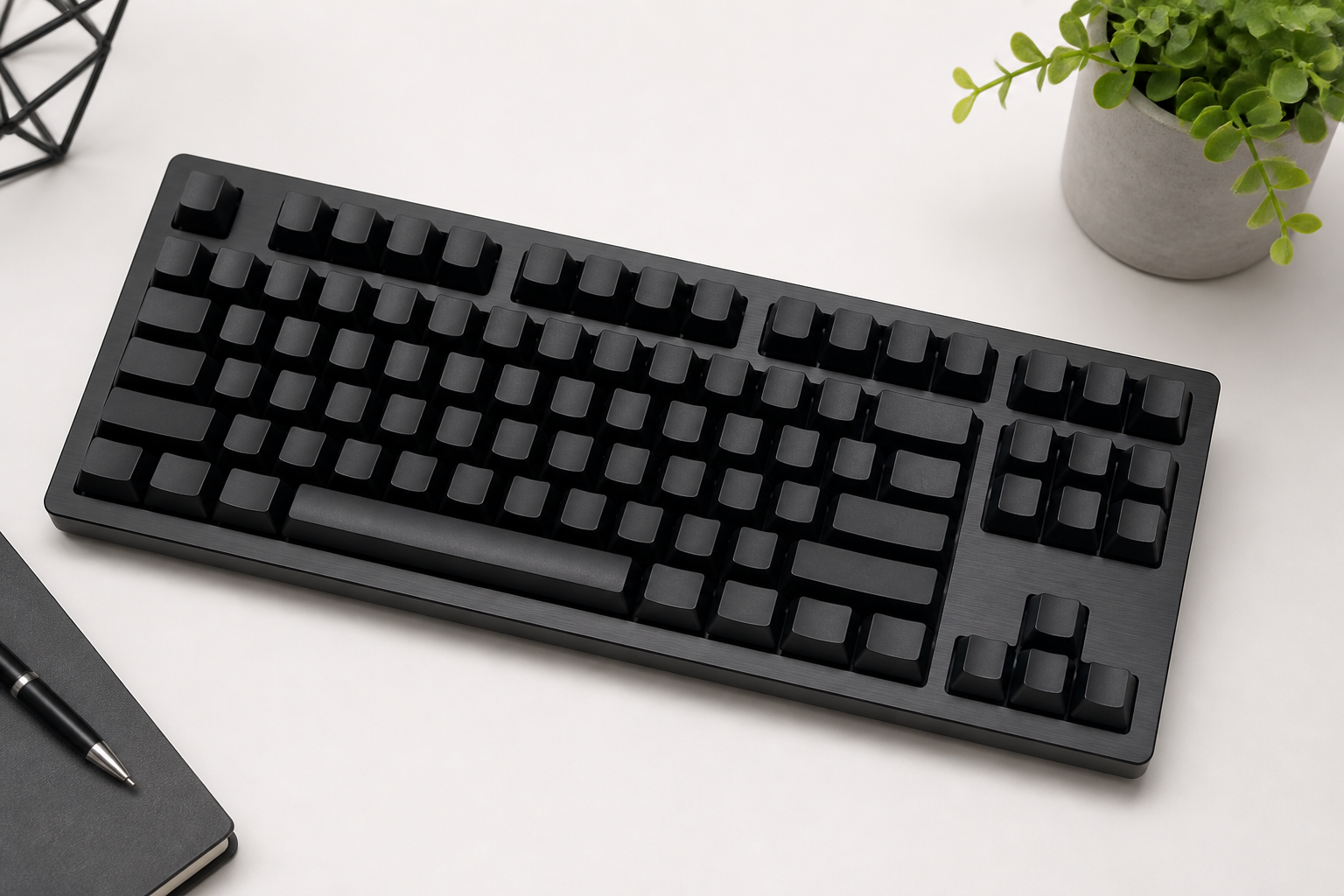
/xray — mechanical keyboard

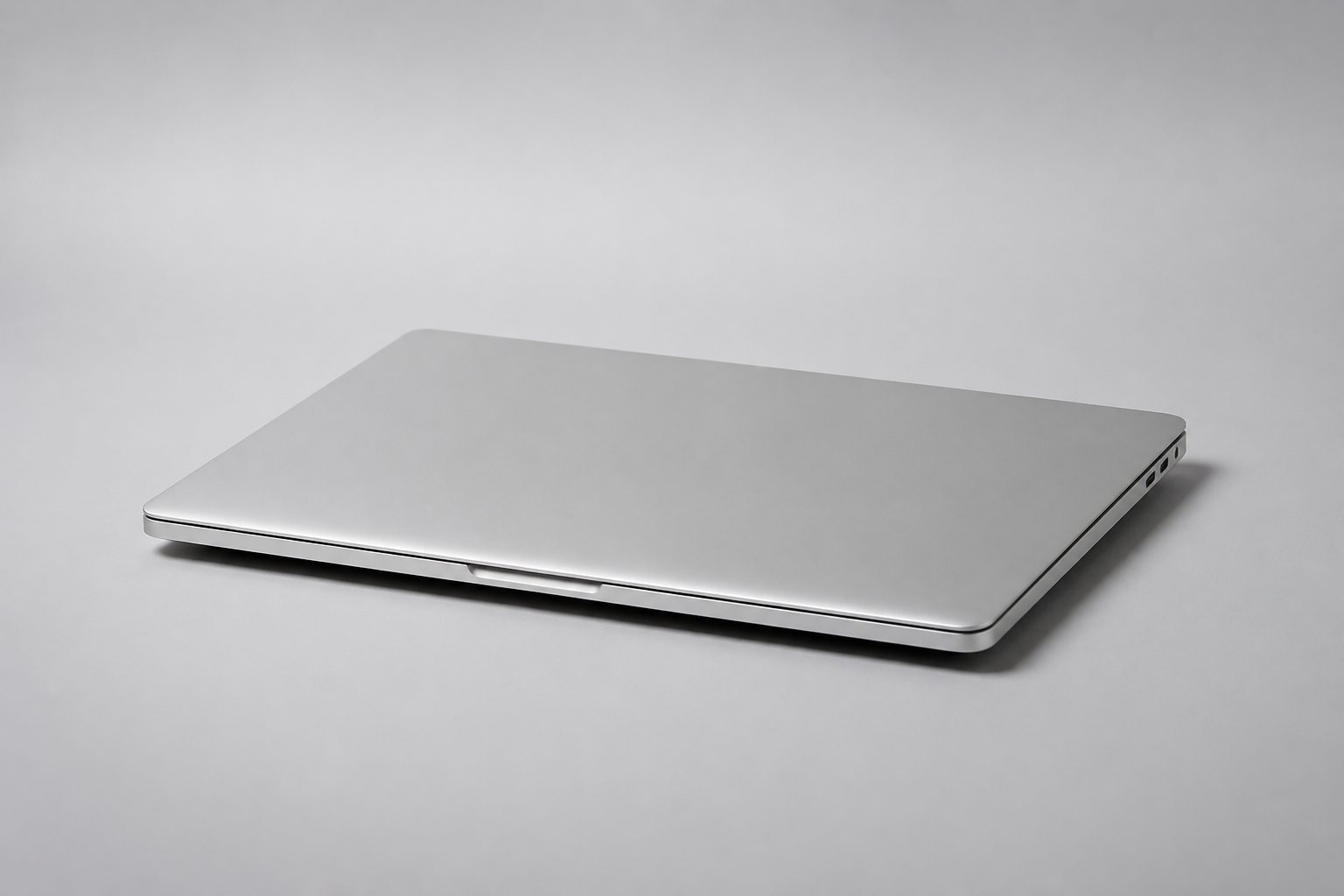
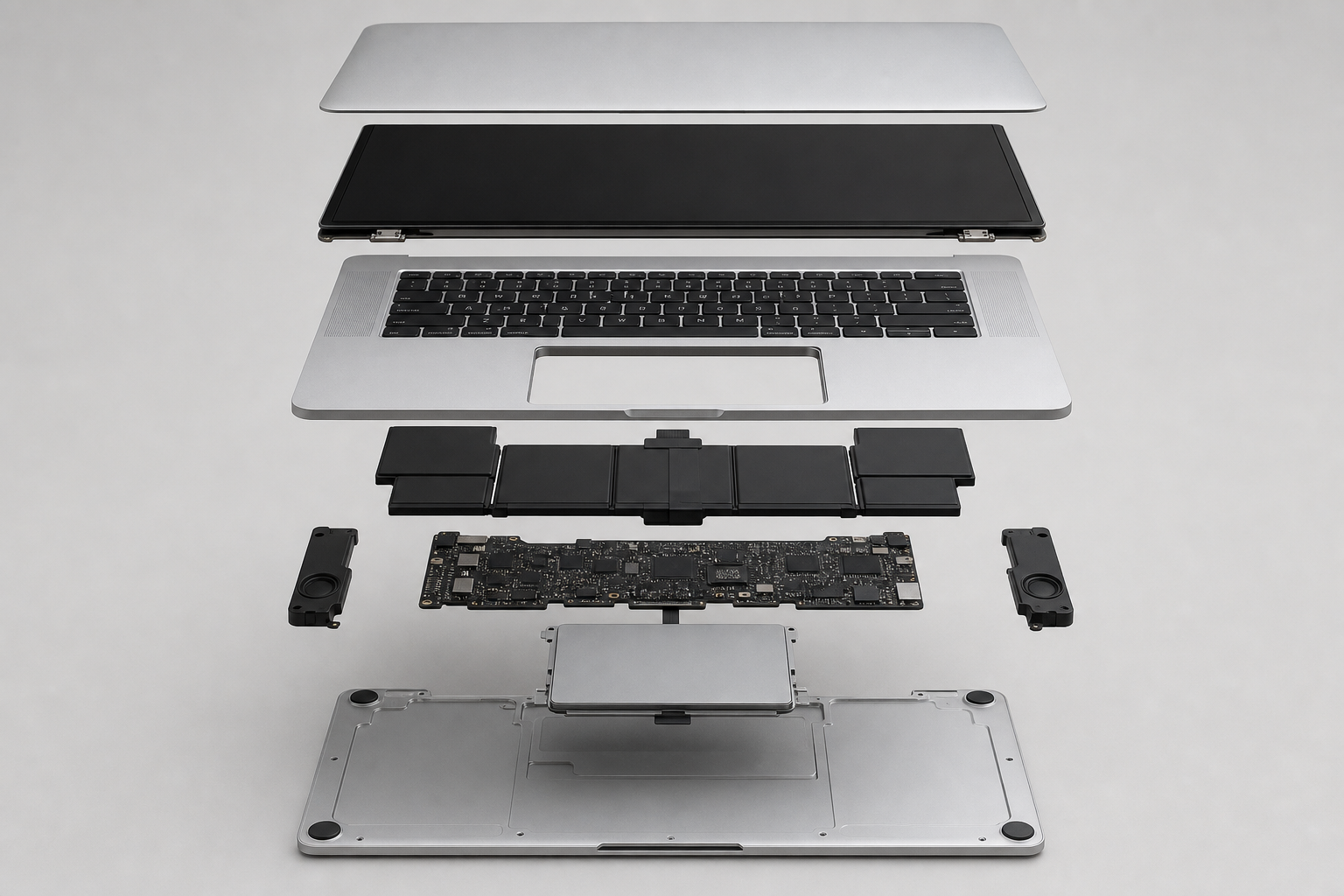
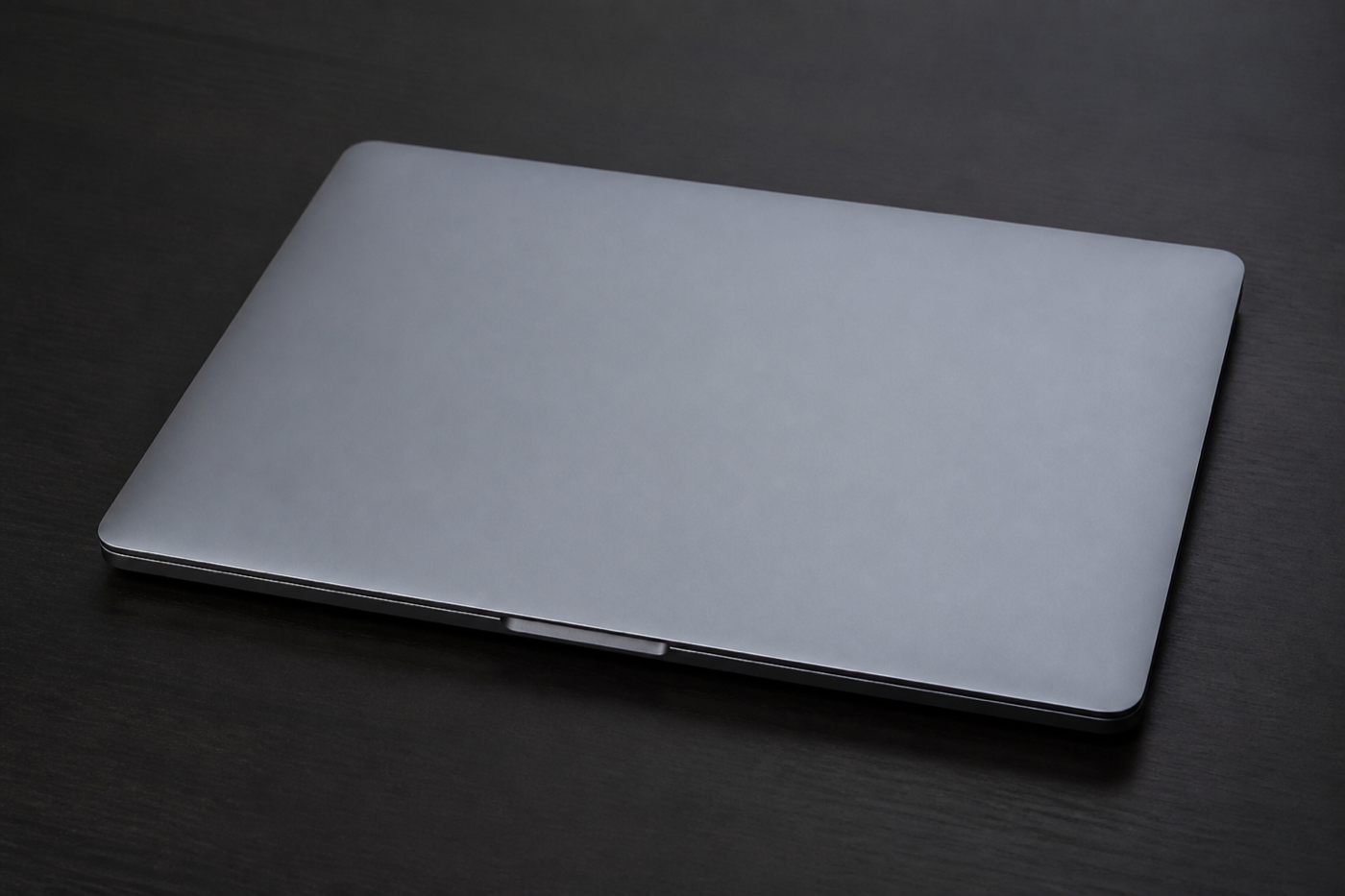
/xray internals visible/explodedview — MacBook (/explode)
/cutaway — house


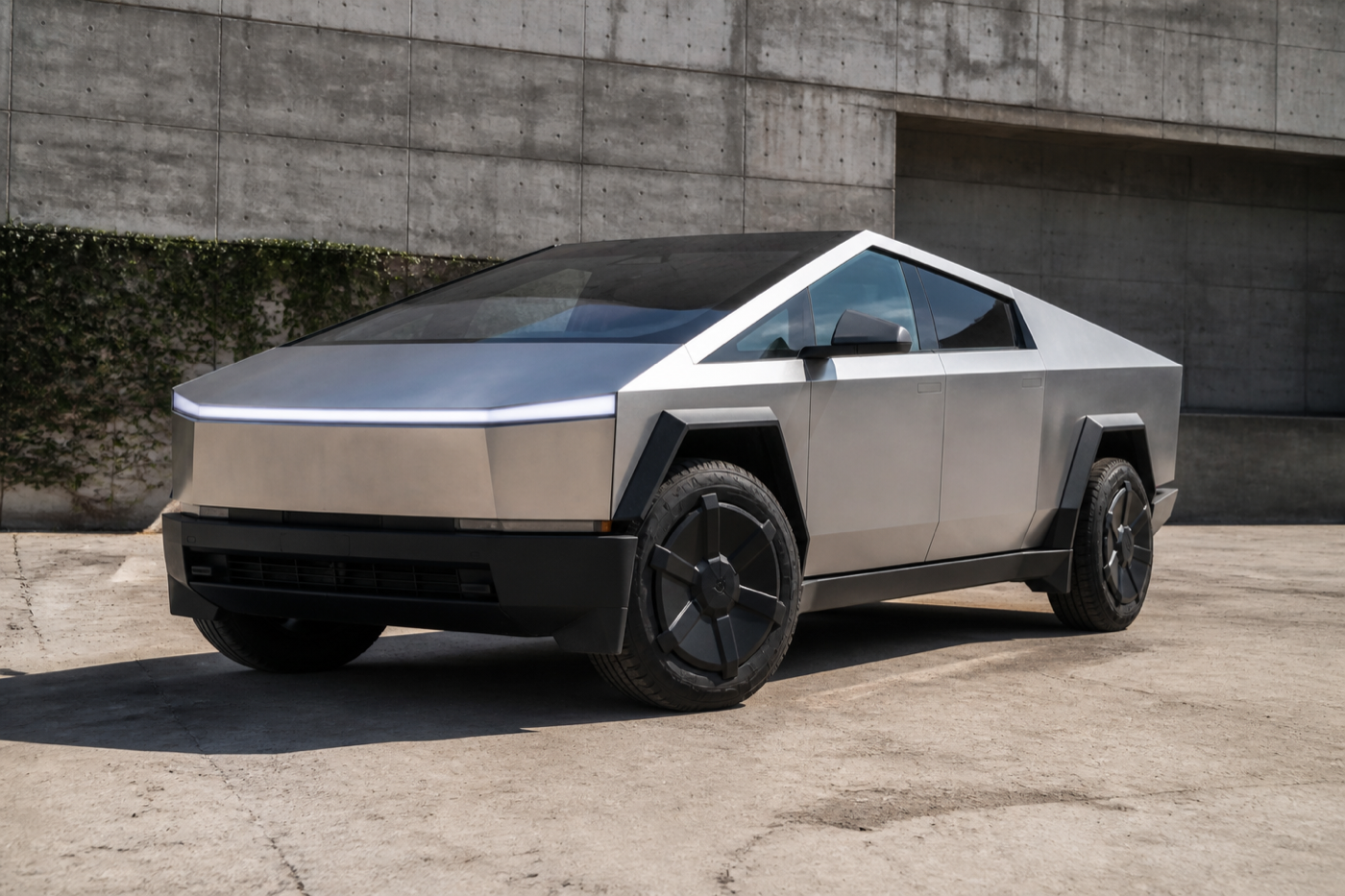
/blueprint — Tesla Cybertruck
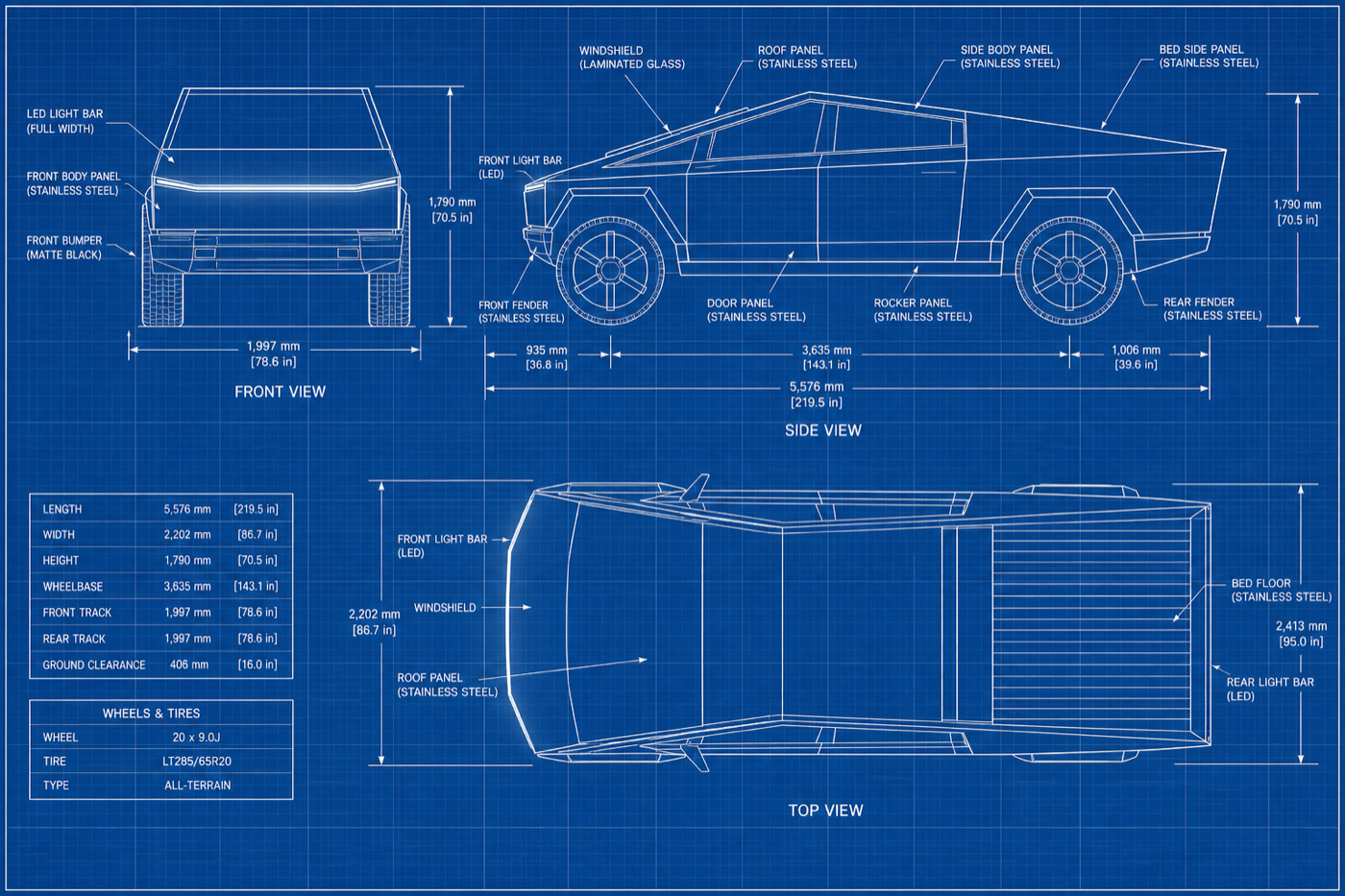
/blueprint white on blue/crosssection — electric motor
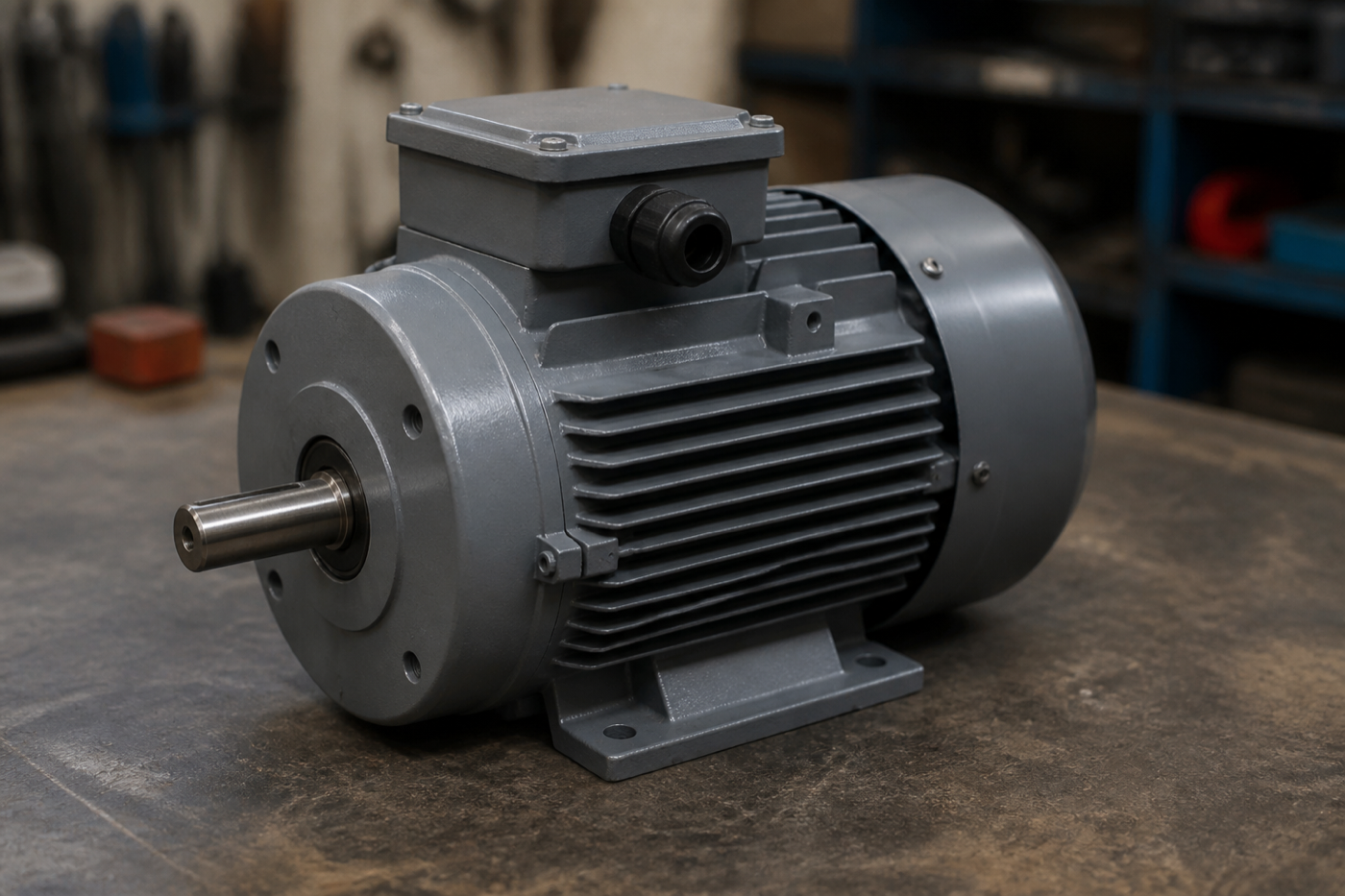
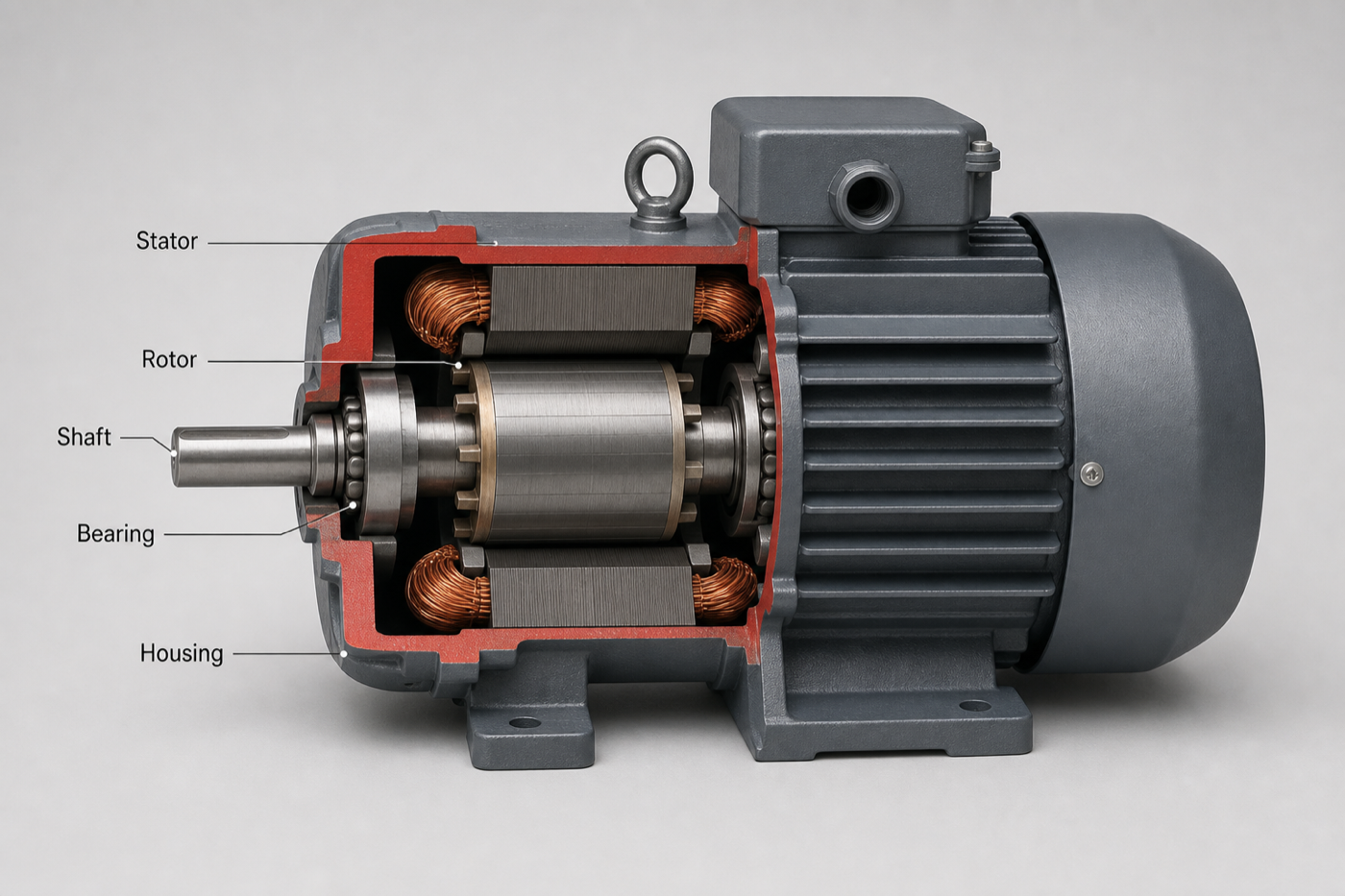
/crosssection one cutting plane/isometric — espresso machine
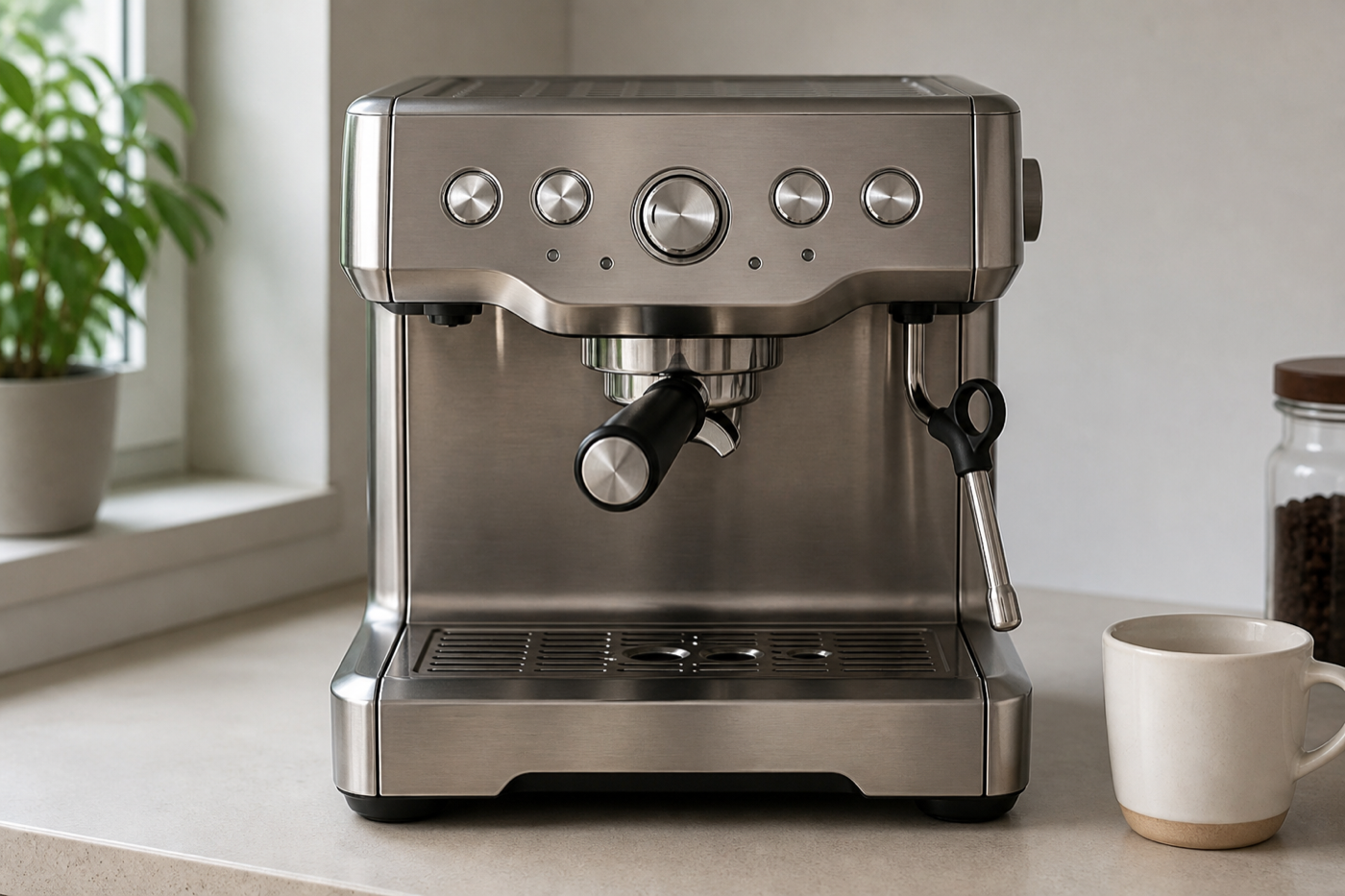
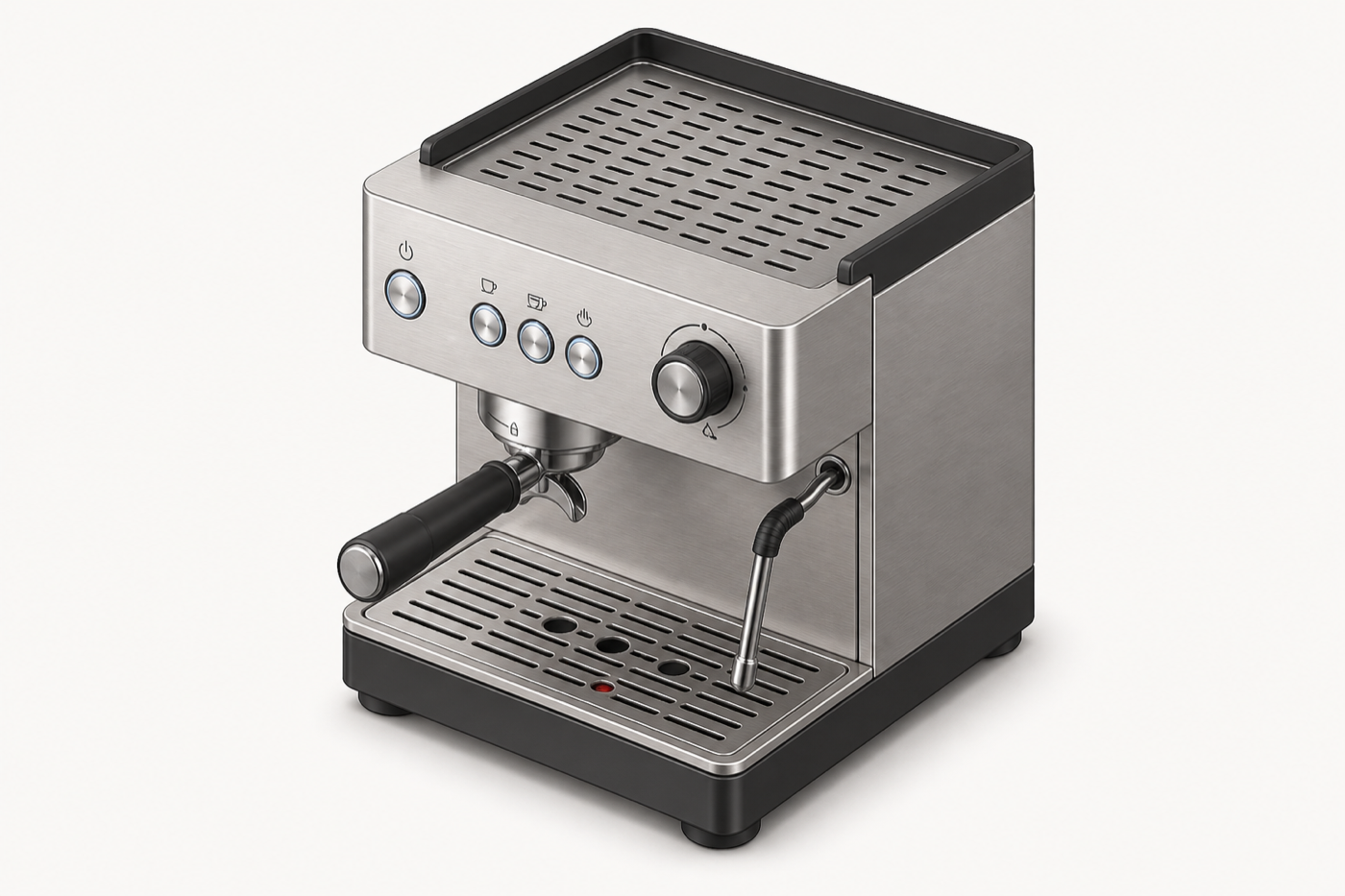
/isometric no vanishing point/poster — Vibe Coding Summit 2026
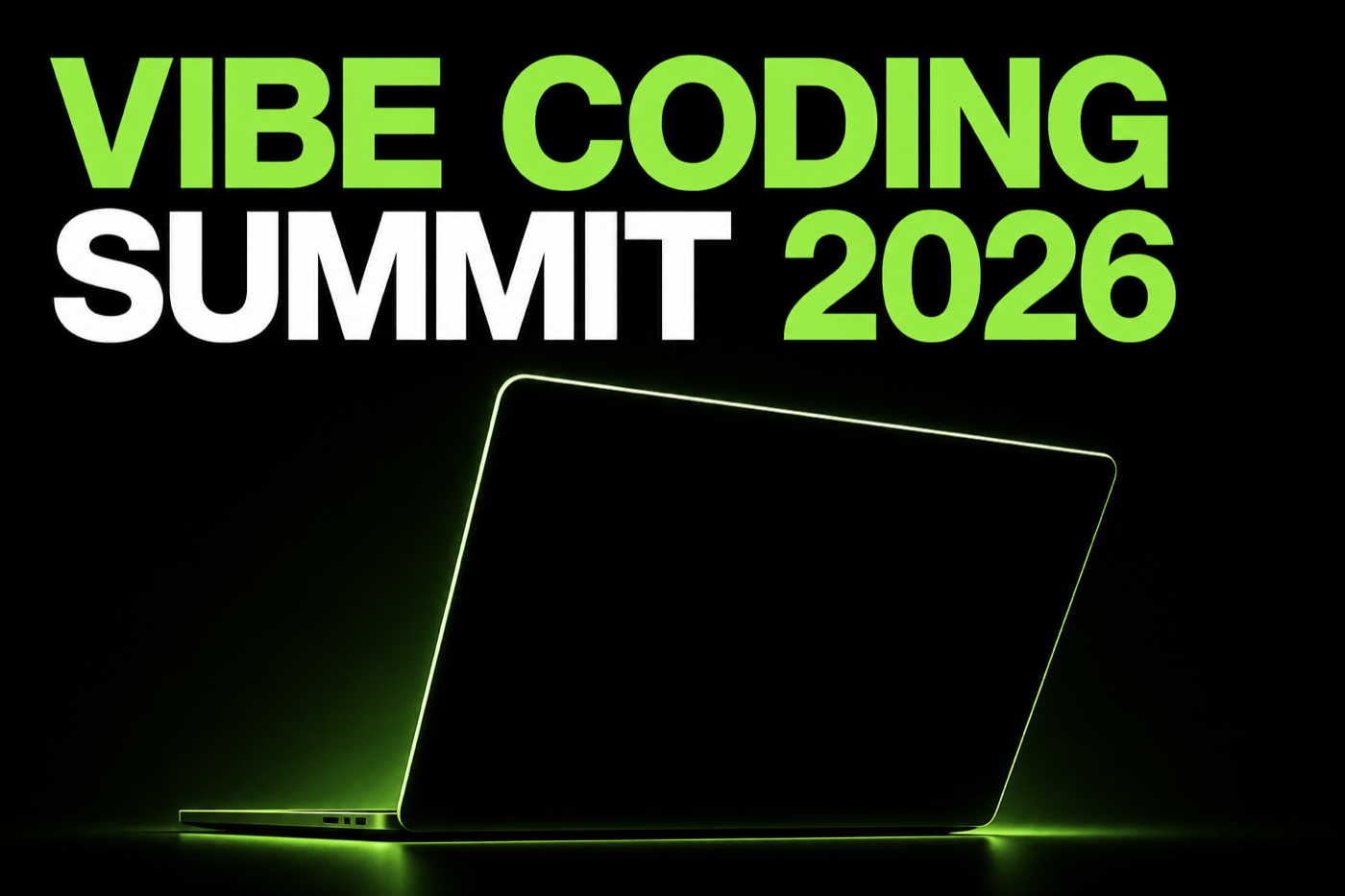
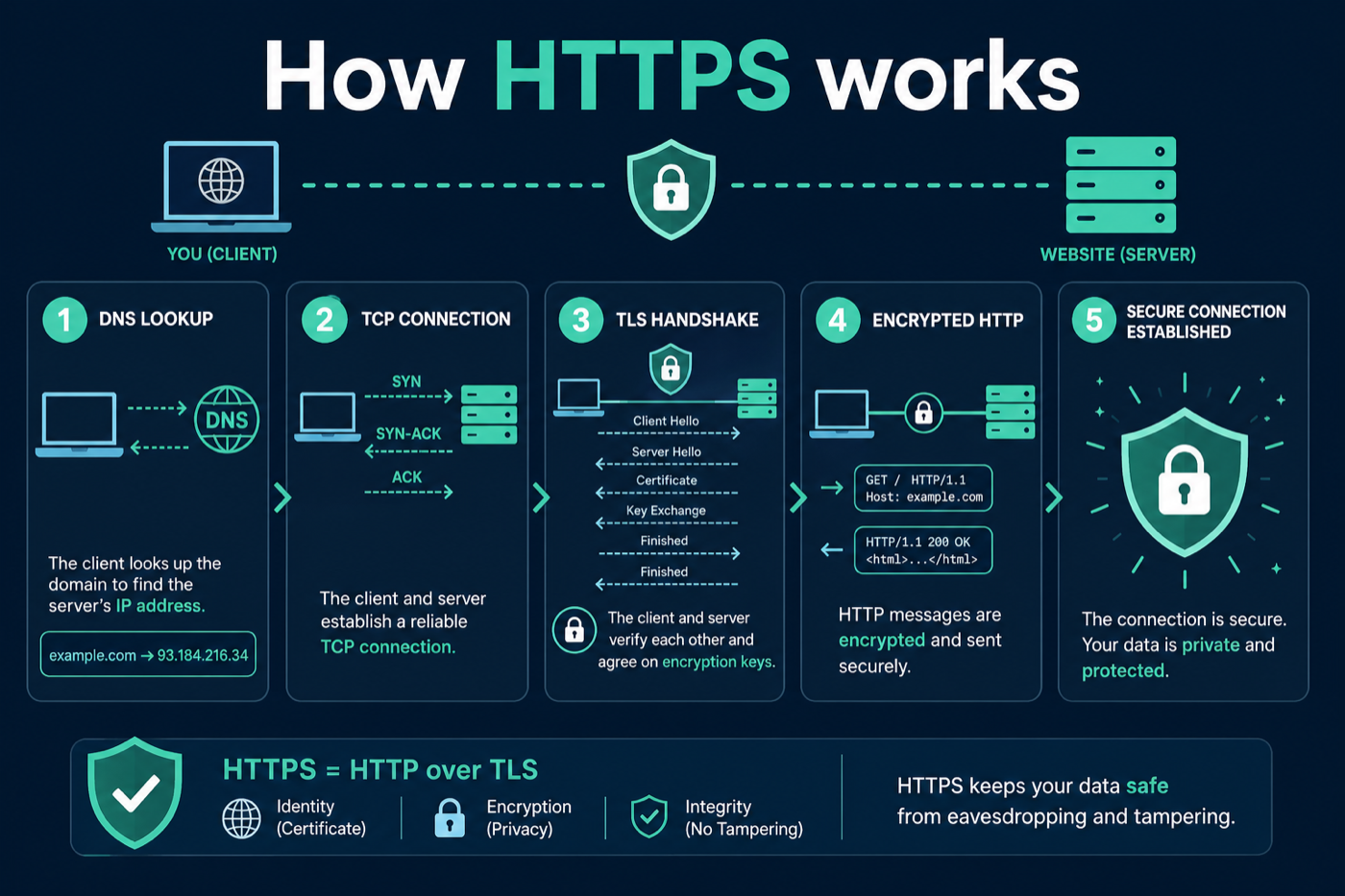
/poster one hero, big type/infographic — how HTTPS works

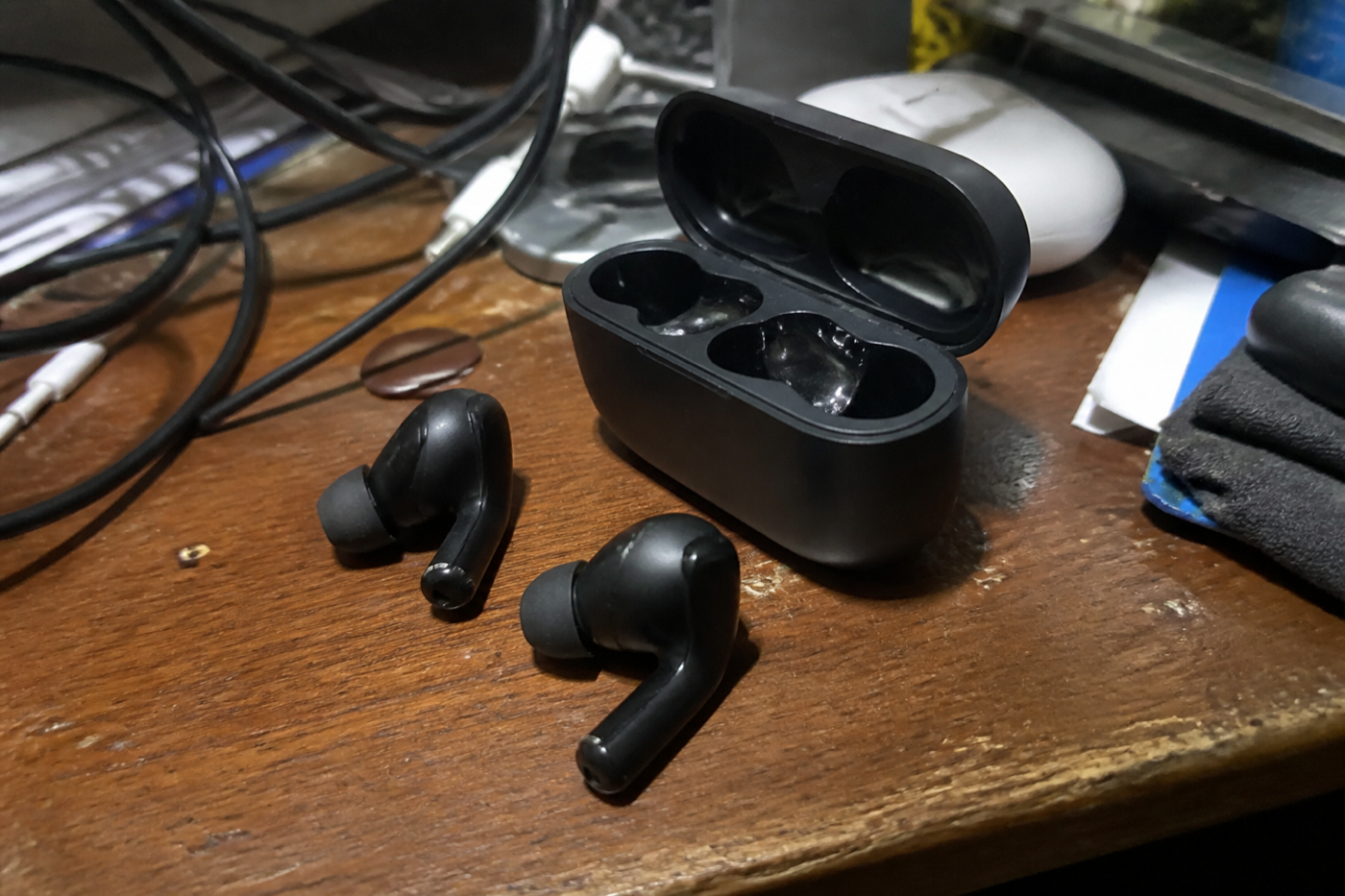
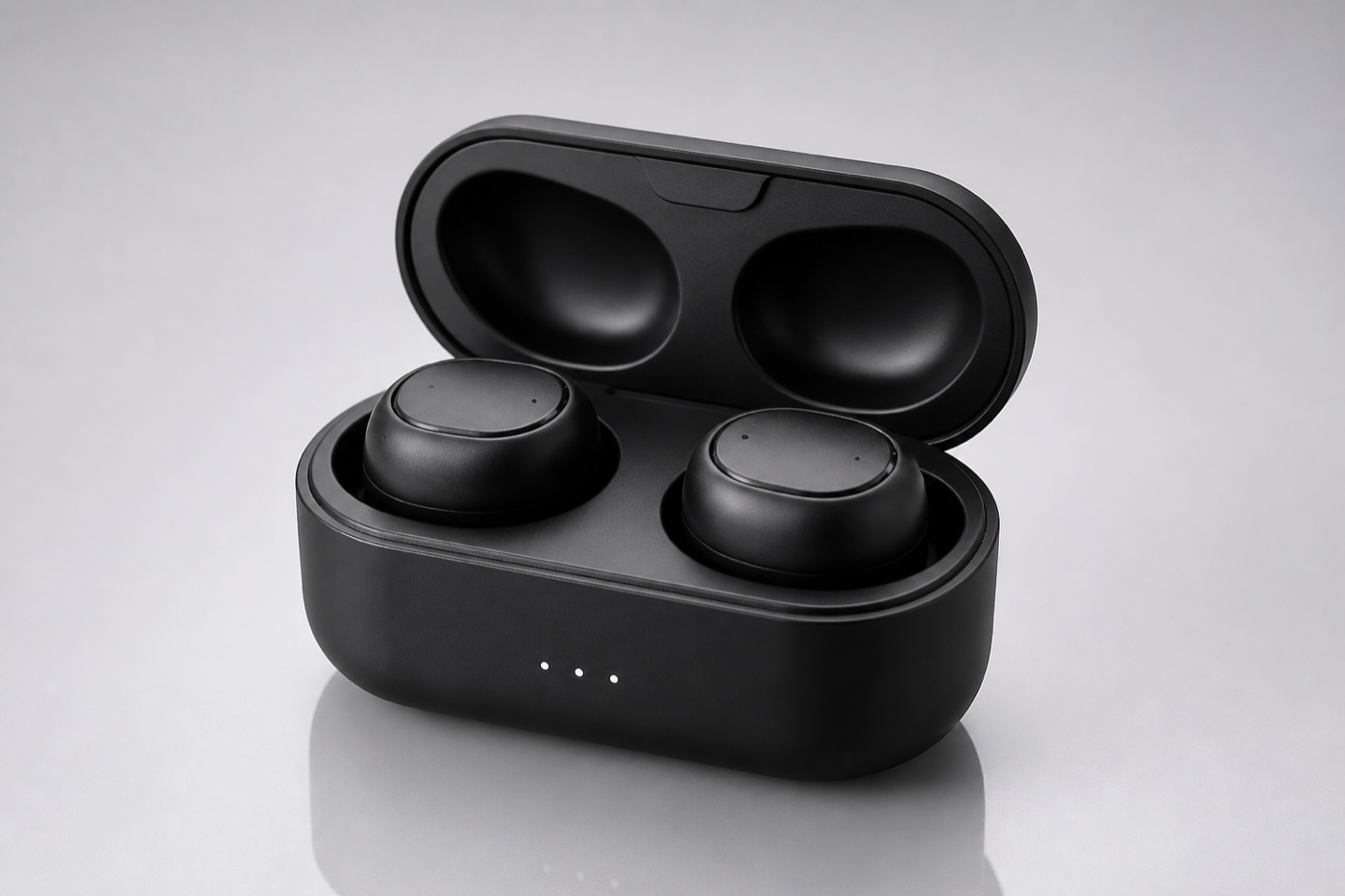
/infographic a few locked-in steps/productshot — wireless earbuds
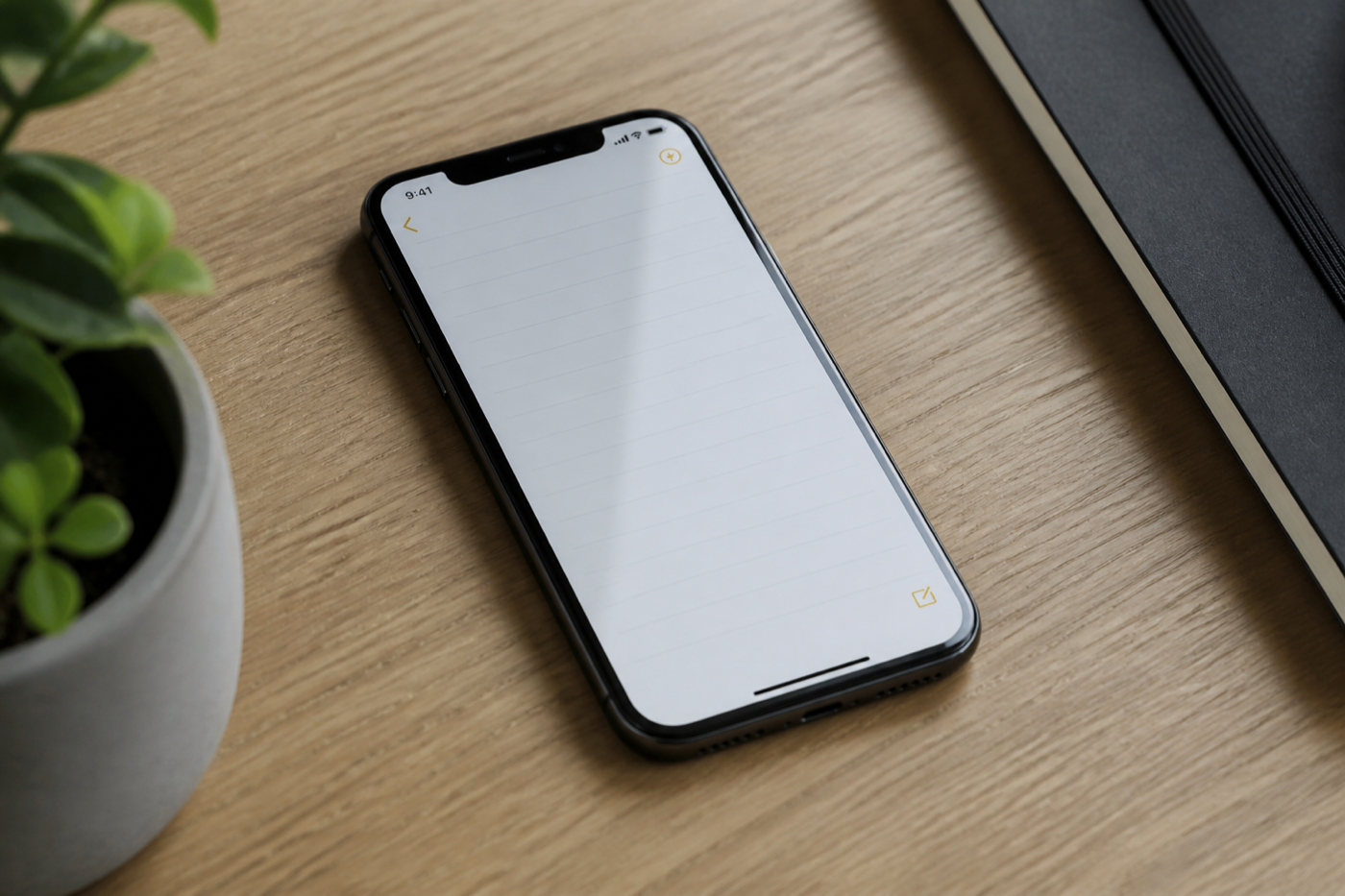
/productshot studio cyclorama/appmockup — habit-tracker iOS app
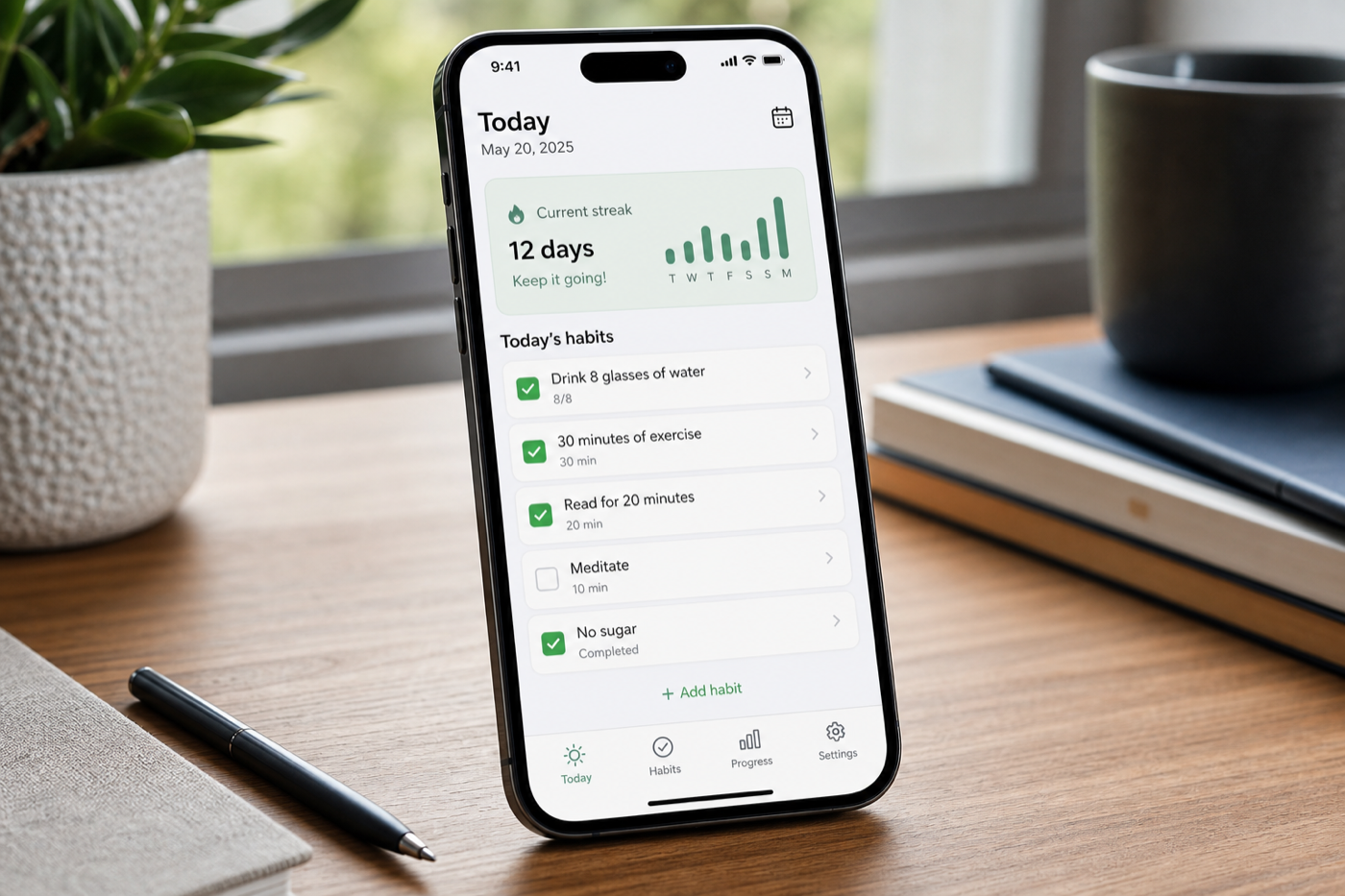
/appmockup one plausible UI/youtubethumbnail — I tested 3 image models
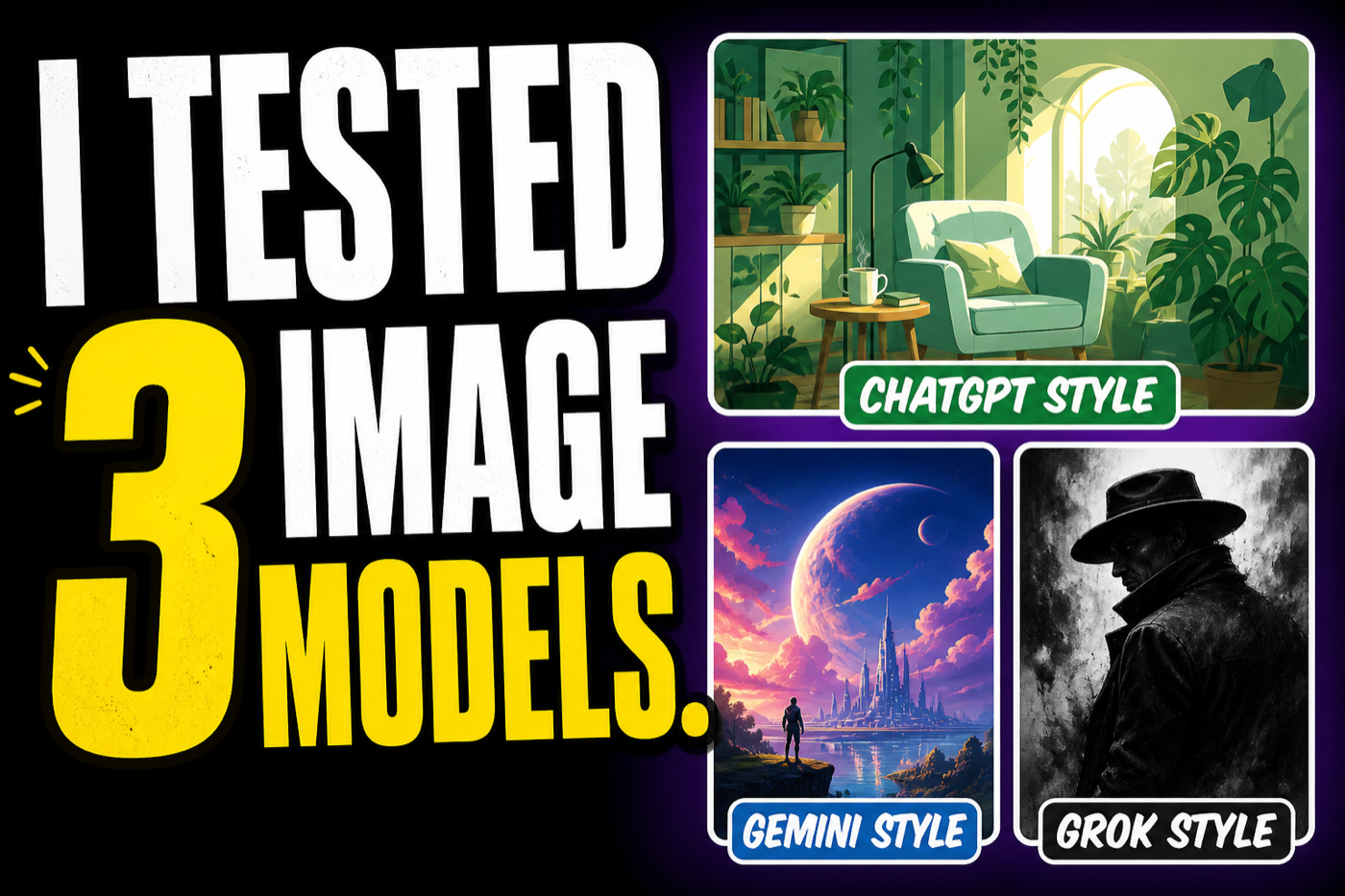
/youtubethumbnail huge type/landingpage — indie SaaS waitlist
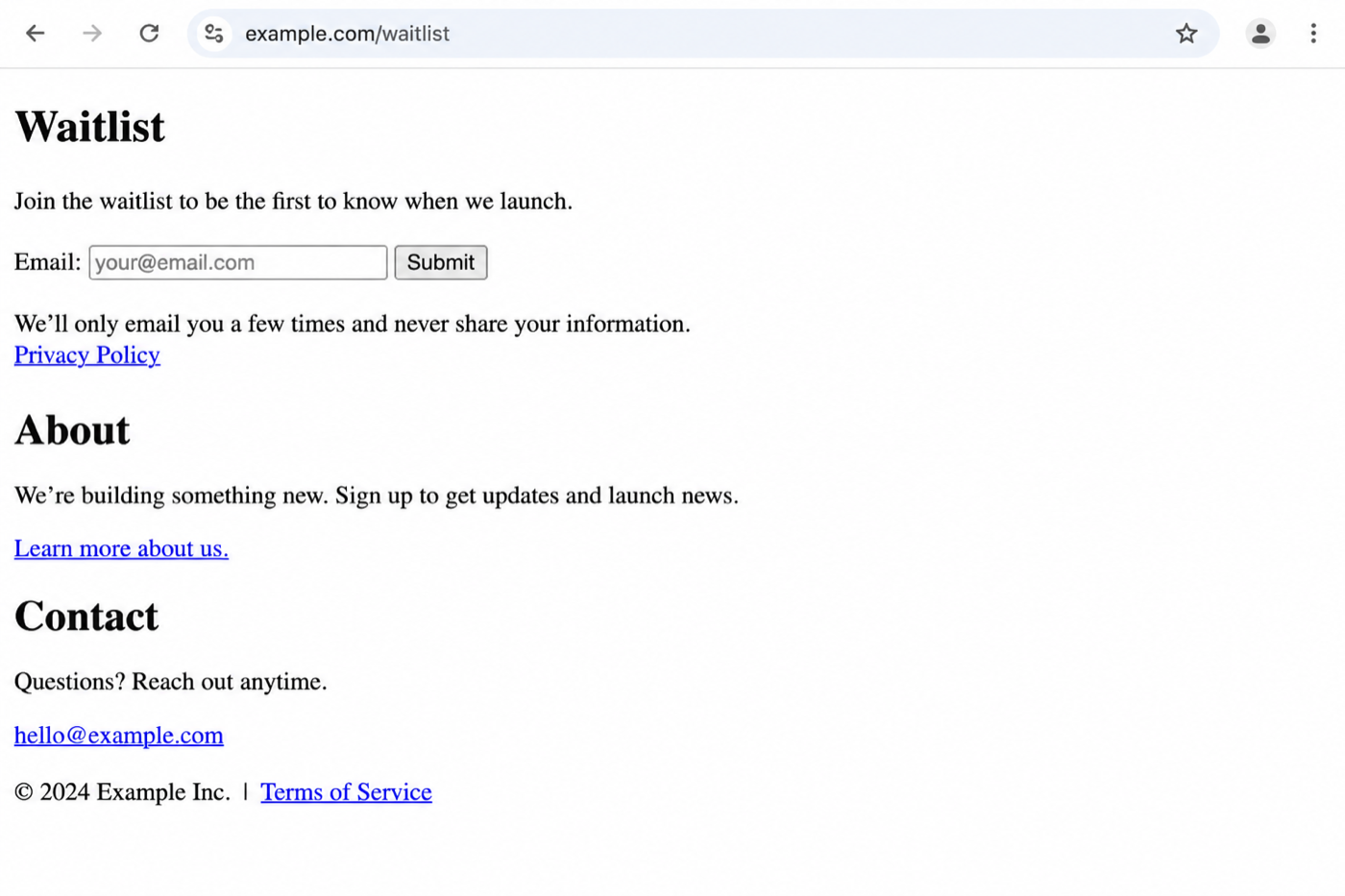
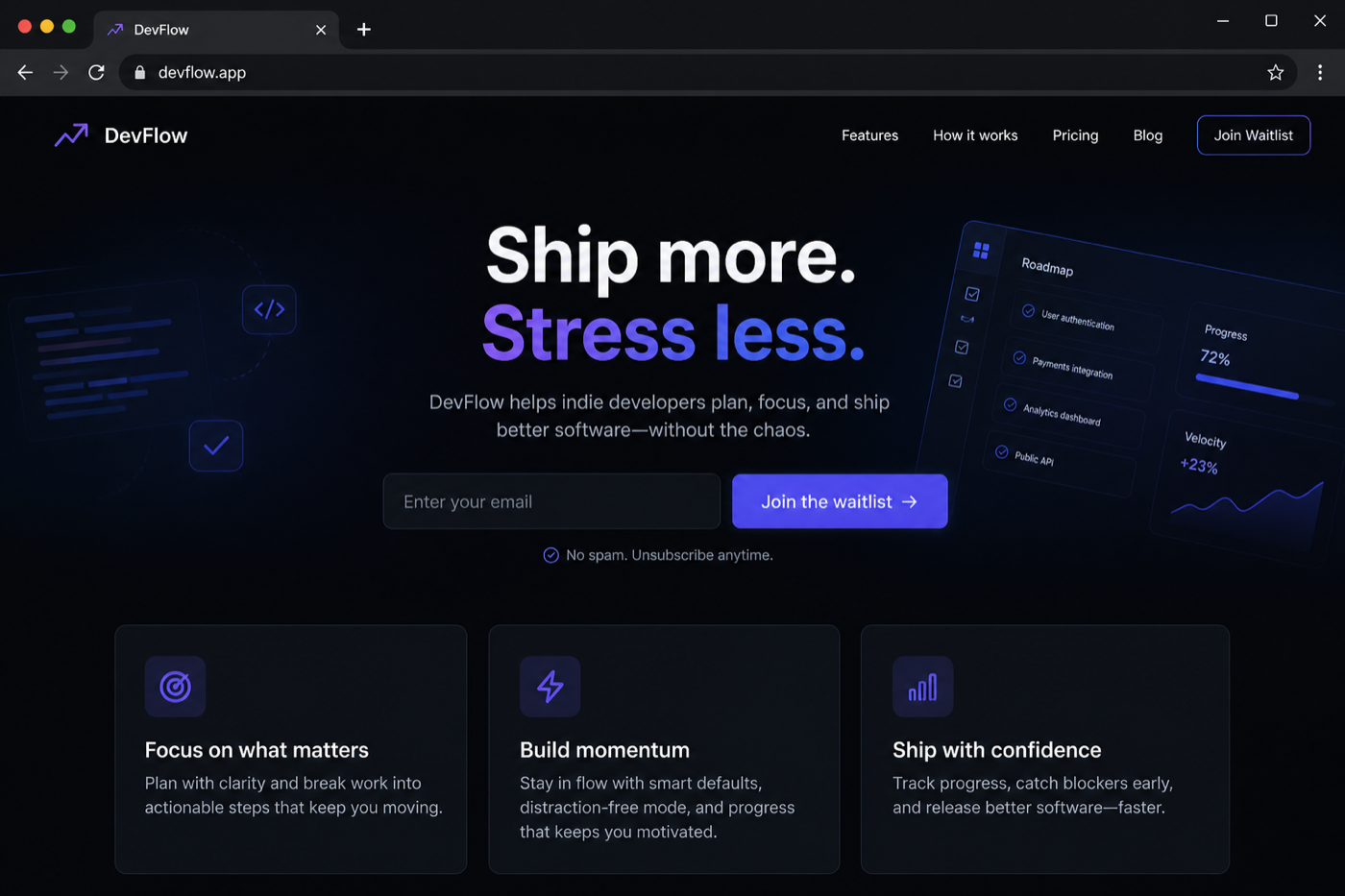
/landingpage hero, CTA, three tiles12 featured recipes
Ordered with the styles showing up most in ChatGPT image-prompt roundups first. Full expanded text for all twelve: the GitHub recipes/ folder.
/explodedview — Apple MacBook
Also searched as /explode. Separate lid, keyboard deck, battery, logic board, speakers, trackpad, bottom case on one axis. Studio lighting, even spacing.
/xray — mechanical keyboard
Create a detailed X-ray visualization of a modern mechanical keyboard.

Show: switches, PCB, stabilizers, plate, USB controller, wiring, case construction.
Semi-transparent outer shell. Dark neutral background. No unnecessary text. 16:9.
/cutaway — two-story house
One camera, one scene. Do not ask for a four-panel grid — Gemini will take that liberty if you let it.
/blueprint — Tesla Cybertruck
/blueprint Tesla Cybertruck
orthographic technical drawing
front, side and top views
white technical annotations
blue blueprint background
16:9
/isometric — espresso machine
True isometric, no vanishing-point drama.
/poster — conference one-sheet
Theatrical poster grammar: big title, one subject, clear hierarchy. In the catalog as /poster.
/crosssection — electric motor
One cutting plane through the axis. Not an exploded view.
/infographic — how HTTPS works
Four or five steps, large labels, no paragraph walls.
/productshot — wireless earbuds
Softbox, cyclorama, no people, no watermark type.
/appmockup — habit-tracker iOS
One readable screen in a real device, not Settings.app.
/youtubethumbnail — “I tested 3 image models”
Specify the exact words on the image. Leave crop margin.
/landingpage — indie SaaS waitlist
Hero + one CTA. Not a dashboard.
Catalog (excerpt)
117 shorthands live in the repo, grouped Technical, Information, Drawing, Photography, Illustration, Marketing / SaaS. A slice of the ones that keep showing up in roundups:
| Command | Meaning |
|---|---|
/explodedview | Separated components (alias: /explode) |
/xray | Transparent shell, internals visible |
/cutaway | Wall / shell removed, interior alive |
/blueprint | Technical blueprint, white annotations |
/isometric | True isometric, no vanishing point |
/poster | Theatrical one-sheet / print poster |
/productshot | Catalog product photo |
/appmockup | Phone UI in a device |
/infographic | Structured visual explanation |
/timeline | Dated sequence |
The rest, including /saasarchitecture, /ogimage, /patentdrawing, is in commands/catalog.md.
How you can help
- ⭐ Star the repo
- 🍴 Fork it for your own subjects
- ✉️ Subscribe for new recipes
- ☕ Buy Me a Coffee if you want to support maintenance
FAQ
Will /xray work in Gemini, Grok, and Microsoft AI?
The idea transfers across the four chats. The pixels will not match 1:1. Treat ChatGPT as the literal instruction-follower, Gemini as more photoreal and more willing to invent layout, Grok as weaker on blueprints until proven otherwise, and MAI Playground as the Microsoft AI chat for the same paste — pick MAI-Image in the model list. None of them ship an official /xray command.
Should I stack /xray /labelled /blueprint?
You can try. Stacked shorthand is the thing ChatGPT often follows and Gemini often “interprets.” Prefer one primary command plus a clear expanded paragraph — especially in Microsoft AI chat.
Companion repo: kondasviktor/vcl-ai-image-prompts · HF Space · dataset. Prompts CC BY 4.0.
Questions? Get in touch — or subscribe.