Muse Code vs Claude Code and Cursor — Meta's pay-as-you-go coding agent
Setup, slash commands, Muse Spark 1.2 token costs, and an honest mid-range price check against GPT-5.6 Luna, Grok 4.5, Gemini Flash, Composer, and Claude — plus why vibe coders should stay put.
~12 min read
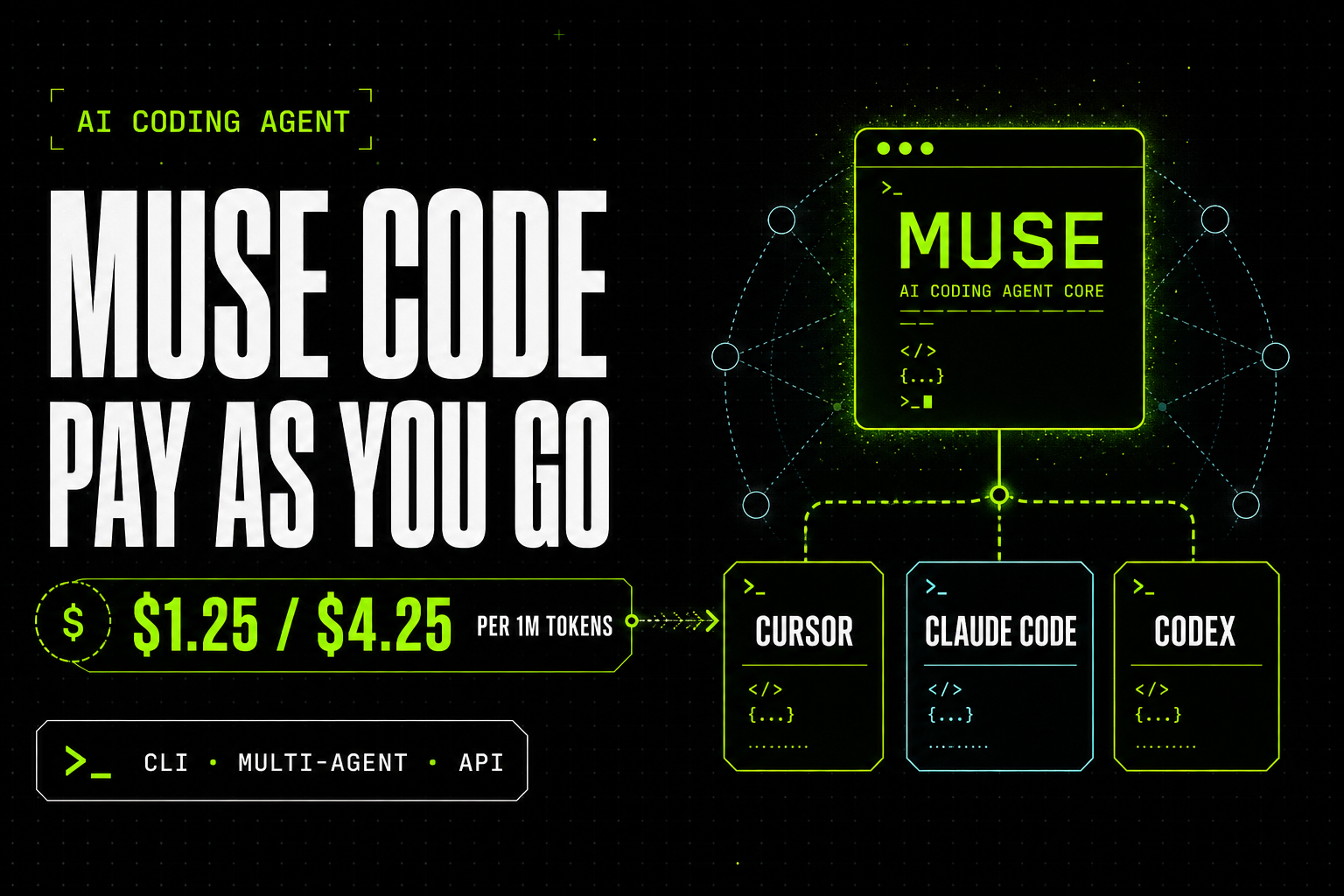
Meta just put a terminal coding agent on the board: Muse Code, powered by Muse Spark 1.2. It plans changes, writes code, and validates results across large repositories — and it can keep several specialized agents working in parallel without rewriting your main loop.
Headlines will pitch it as “the biggest threat to Cursor.” Category check first: Muse Code’s natural peers are Claude Code and OpenAI’s Codex. Cursor is an IDE with agents woven in. Different product. Same shopping question for vibe coders: should I switch?
Short answer up front: not as your daily vibe-coding stack. Details below.
What Muse Code is
Muse Code is a terminal-based (CLI) coding agent in beta for macOS and Linux. Meta co-trained Muse Spark 1.2 with the Muse Code harness so the model understands the toolset, approvals, compaction, goals, and subagents it actually runs against.
- Long-horizon engineering — plan → edit → run → validate across a whole repo, not just the next autocomplete line.
- Async background agents — specialized helpers stay alive for the session, gather context, and report back so the main agent does less redundant work.
- Local event log — every model call, tool run, approval, and edit appends to a log. Crash → resume where you stopped. Built for long sessions.
- Multi-agent splits — for bigger jobs it can fan work across agents without you manually changing the “main” agent’s code path.
How to run it
Install (official one-liner):
curl -fsSL https://dev.meta.ai/install.sh | bash- Run the install on macOS or Linux.
- Authenticate with a Meta Model API key (or the browser auth flow the CLI offers).
cdinto your repo and start Muse Code.- Give it a concrete engineering goal — prefer scoped PRs over “rewrite the monorepo.”
You can also hit Muse Spark 1.2 via the Meta Model API directly (OpenAI-compatible style paths). Some routers may list Meta models later — treat that as optional plumbing, not the core product. For BYOK-style routing in other apps, OpenRouter is still the usual one-API switchboard when a model is listed there.
Command-style prompts (/plan, /grill, /goal)
Muse Code ships bundled skills. Three you will use constantly:
/plan
Turns a task into an approval-gated plan before it touches files.
/plan Add rate limiting to the /api/subscribe endpoint.
Keep Neon schema unchanged. Prefer middleware over route-local hacks.
List files you will touch and the rollback if tests fail.
/grill
Stress-tests the plan until the weak spots show up.
/grill Challenge the plan for race conditions, missing auth checks,
and anything that would break our Vercel serverless timeouts.
Propose a tighter plan if needed.
/goal
Drives toward a defined success condition.
/goal Land a green test suite for the subscribe rate limiter,
open a PR description with before/after, and stop when CI would pass.
Practical vibe-coding habit: /plan → /grill → /goal. Do not skip grill on anything that touches auth, billing, or migrations.
What it costs
The CLI install is free. You pay for Muse Spark 1.2 tokens (pass-through). Two tiers matter:
- Standard — $1.25 / $4.25 per 1M input / output tokens; cached input around $0.15 / 1M. Meta says prompts and completions on Standard are not used to train their models. Higher rate limits.
- Contributor — roughly $0.10 / $0.20 per 1M in/out (cached input near-free). In exchange, Meta may use your prompts and completions to train future models. Tighter rate limits.
Mid-range price check (API / agent models)
Same-band orientation — list rates move; verify live dashboards before you budget production. Flat $20 Cursor / Claude Pro / Codex plans are a different product model (included usage + limits + upgrades), not “unlimited frontier tokens forever.”
| Model / lane | Input / 1M | Output / 1M | Notes |
|---|---|---|---|
| Muse Spark 1.2 Standard | $1.25 | $4.25 | Powers Muse Code; cached in ~$0.15 |
| Muse Spark 1.2 Contributor | ~$0.10 | ~$0.20 | Training-data grant; tighter limits |
| GPT-5.6 Luna | $0.20 | $1.20 | OpenAI mid/low agent lane |
| Composer 2.5 (standard) | $0.50 | $2.50 | Cursor first-party; Fast default is $3 / $15 |
| Gemini 3.6 Flash | $1.50 | $7.50 | Google Flash workhorse band |
| Grok 4.5 | $2 | $6 | Strong Cursor-pool coding model |
| Claude Sonnet 5 (promo) | $2 | $10 | Thru Aug 31, 2026; then ~$3 / $15 |
Rates checked Aug 2026 from Meta Model API / public launch notes, OpenAI GPT-5.6 cuts, Cursor Composer docs, Gemini Flash posts, Grok 4.5 notes, Anthropic Sonnet 5 intro pricing. Always re-check before you commit budget.
Read of the table: Muse Standard sits in the mid-pack — cheaper than Sonnet list, richer than Luna, competitive with Flash on input and lighter than Flash on output. Contributor undercuts almost everyone if you accept the data trade. That is Meta’s wedge: price + multi-agent CLI, not “free forever for indie vibe coding.”
Who Muse Code is actually for
- Teams that want a Meta-native terminal agent with long-horizon / multi-agent workflows.
- Orgs building API-driven automation (CI bots, review pipelines) where pay-as-you-go tokens beat stacking consumer seats.
- Experiments where Contributor economics matter more than prompt privacy.
It is not a free local Muse install, and it is not Meta handing you open Muse weights for an air-gapped bank VPC. If sovereignty is the hard requirement, evaluate Meta’s open-weights Llama path separately — Muse Code is a different product.
Summary — vibe coders should stay put
I do not recommend Muse Code as the default for vibe coders. It is pay-as-you-go Meta API usage aimed at teams that specifically want that agent stack — not a flat, productized daily driver like Cursor, Claude Code, or Codex.
- If your objective is vibe coding (ship features fast in an IDE/agent you already pay for): keep Claude Code, Codex, or Cursor.
- If you are evaluating Meta’s lane for cost, multi-agent CLI, or API automation: try Muse Code on a throwaway repo first — and read the Contributor terms twice.
- Do not confuse Muse’s closed API with Llama-style “run the model on our servers.”
Disclosure: No Meta, Muse, Claude, Cursor, or OpenRouter affiliate links in this post — product URLs are plain. Other referral tools on our Tools page are labeled when relevant. No sponsorship for this article.
Questions? Get in touch — or subscribe for the next digest.