Who is behind Ox Alpha? The stealth model on OpenRouter (2026)
Ox Alpha arrived on OpenRouter as a free stealth model for coding and long agent loops. Here’s what OpenRouter officially says, why Z.ai / GLM-5.3 is the strongest public guess, and how to test it in chat or VS Code + Cline.
~8 min read
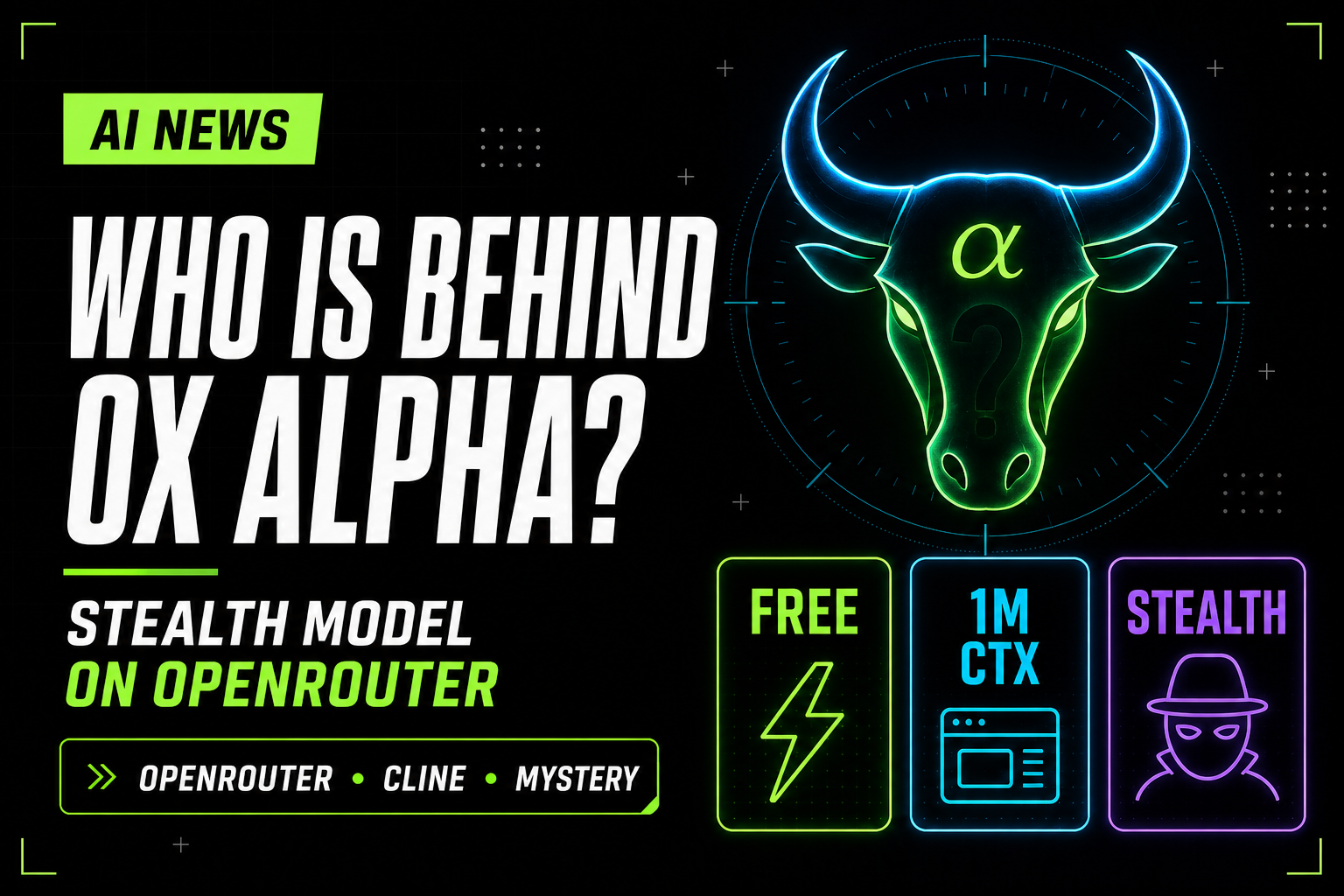
Ox Alpha is the kind of launch that sends coding-agent Twitter, Reddit, and benchmark nerds into detective mode. It showed up on OpenRouter as a stealth model, priced at free, described as built for coding, sustained agentic work, and production workloads, and attached to a giant 1M-token context window.
That combination matters because it hits the exact sweet spot many vibe coders care about: long repo context, agent loops, and a no-friction way to test a new model without signing up for another separate vendor console. But the mystery around who operates it is not just fun gossip. It changes the privacy and trust picture too.
What OpenRouter officially says
The official Ox Alpha listing is clear on a few points:
- Model id:
stealth/ox-alpha - Released: 20 Aug 2026
- Positioning: reasoning model for coding, long-horizon software work, and sustained agent flows
- Modalities: text with visual context support
- Context window: 1M
- Price shown on the listing at write time: Free
Just as important: OpenRouter says it only routes requests to Ox Alpha. It is not the model developer, owner, or provider. That means “available on OpenRouter” is not the same thing as “built by OpenRouter.”
So who might be behind Ox Alpha?
The strongest public guess right now comes from fingerprinting work summarized by SiliconANGLE. Their recap points to infrastructure probes that lined Ox Alpha up with GLM-5.3 on several signals, including normalized tokenizer counts. That makes Z.ai the most interesting public lead.
But “most interesting lead” is not the same as “case closed.” Even the same reporting warns that matching infrastructure does not prove model identity. One lab can serve multiple models on similar stacks. TechCrunch also notes other rumors, including Microsoft MAI speculation and people arguing over whether the model is even Chinese at all.
| Claim | What supports it | How confident to be |
|---|---|---|
| Z.ai / GLM-5.3 | Infrastructure fingerprinting overlap, tokenizer similarities, prior anonymous preview pattern | Strongest public clue, still unverified |
| Microsoft MAI or another unreleased lab model | Community rumor cycle and counter-reads of behavior | Speculation only |
| OpenRouter built it | None | Wrong — OpenRouter says it is only the router |
Best framing today: Z.ai / GLM-5.3 is the strongest public guess, not a confirmed attribution.
Why vibe coders care
If you use Cline, Claude Code, Cursor, Hermes, or other long-running coding agents, Ox Alpha is interesting for three reasons:
- Long context: 1M tokens is enough to tempt whole-repo or multi-file workflows.
- Agent positioning: the listing explicitly targets sustained agentic work, not just casual chat.
- Free preview: zero-cost trials remove the biggest barrier to a quick benchmark or prompt comparison.
That said, free plus anonymous plus retained prompts is also a recipe for reckless oversharing. Treat this like a public test lab first, not your default place for proprietary client repos.
How to test Ox Alpha in chat
- Open the OpenRouter Ox Alpha page.
- Try the playground or chat entry point.
- Give it one long coding or reasoning task you already know well. Compare it against a model you trust, not random benchmark screenshots.
A good first test is a repo-level architecture question, a refactor plan, or a bug explanation. A bad first test is your unreleased production secret sauce.
I asked Ox Alpha to ship a playable 3D world
For a chat-only test, I asked Ox Alpha for a complete voxel sandbox in one HTML file with Three.js: break and place blocks, a first-person hand, world generation, and a HUD. This is the output — a browser demo, not a full survival game, and not a trademarked clone of anyone else’s game.
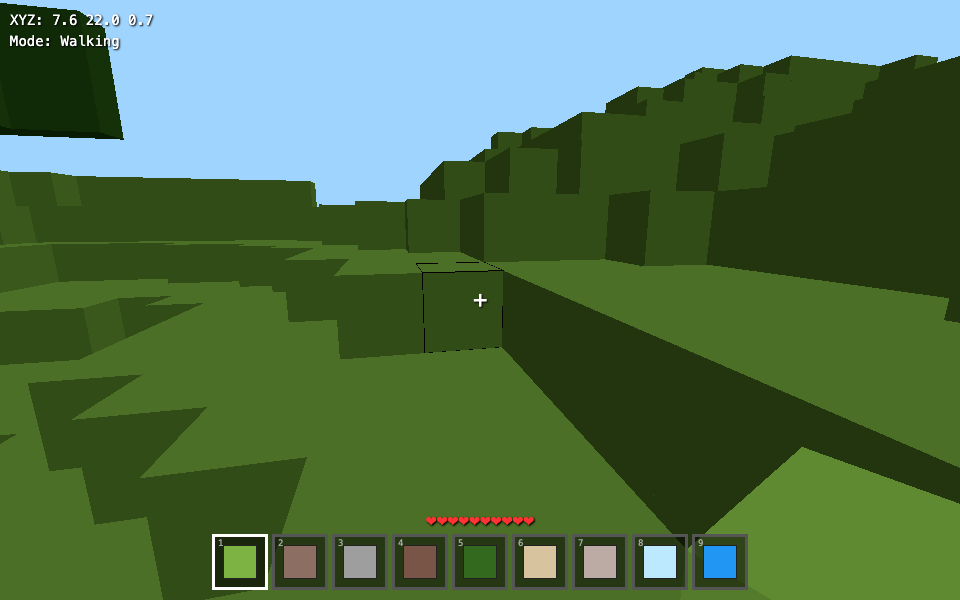
Open full page · WASD move, Space jump, left-click break, right-click place, 1–9 hotbar, F fly. One mesh per block, no textures — it will hitch on a large view.
The chat prompt
Create a complete voxel sandbox fully written in a HTML file, work with Three.js, and make it as close as possible. Ensure survival aspects like breaking blocks, a hand with items, world generation, and a HUD interface.
How to test Ox Alpha in VS Code + Cline
This is the cleanest hands-on path if your goal is real coding work rather than benchmark tourism.
- Create or log into your OpenRouter account.
- Generate an API key.
- In VS Code, install Cline.
- In Cline settings, choose OpenRouter as the provider.
- Set the model to
stealth/ox-alpha. - Point Cline at a safe project folder and test a contained task first.
If you need a refresher on OpenRouter and BYOK-style wiring, [our free API keys guide](https://vibecoderslife.com/post/free-ai-api-keys-vibe-coding-2026) already covers where OpenRouter fits beside Gemini, Groq, and the rest.
Can you try it in Cursor?
Sometimes, yes. In practice, custom OpenAI-compatible providers can be finicky in Cursor when model verification, naming, or tool-calling assumptions get weird. The rough shape is the same as other OpenAI-compatible setups:
- base URL:
https://openrouter.ai/api/v1 - provider key: your OpenRouter API key
- model id:
stealth/ox-alpha
But if Cursor fights you, do not burn an hour on it. Switch to VS Code + Cline. That is the more reliable path for custom-provider experiments, and it matches the guidance we already gave in Part 1.
Bottom line
Ox Alpha is worth testing because it combines a large context window, coding-first positioning, and free preview access on OpenRouter. That is enough to make it relevant today, even before we know whose lab is behind it.
But the unknown provider is not just marketing intrigue. It is an operational detail. If you try Ox Alpha, do it with the same discipline you would use for any anonymous cloud model: safe repo, no secrets, no customer code, and one realistic task at a time.
FAQ
What is Ox Alpha?
Ox Alpha is a stealth reasoning model on OpenRouter built for coding, long-horizon agent work, and production-style workloads. The OpenRouter listing shows a 1M-token context window and free preview pricing.
Who built Ox Alpha?
No one has officially claimed it. The strongest public guess is Z.ai / GLM-5.3-related infrastructure, but that remains unverified.
Is Ox Alpha free?
It was listed as free on OpenRouter when this draft was written. Preview pricing can change fast, so verify the model page before promising a team a zero-cost workflow.
How do I use Ox Alpha in VS Code?
Create an OpenRouter key, install Cline, choose OpenRouter as the provider, and set the model to stealth/ox-alpha.
Should I paste private code into Ox Alpha?
Not by default. The model page says prompts and completions are retained by the provider, even if they are not used for training.
Can I play the Ox Alpha demo?
Yes, in this post. On desktop, click Play voxel sandbox (mouse lock required). On a phone, use the full-page link. It is a one-file Three.js toy the model generated, not proof of who built Ox Alpha.
Sources: OpenRouter Ox Alpha listing; TechCrunch; SiliconANGLE. Preview pricing, limits, and attribution rumors can change fast — re-check before publishing.
Disclosure: OpenRouter links here are plain product / source URLs. No paid placement by the companies mentioned in this article.
Questions? Get in touch — or subscribe for the next digest.